Ragdoll Test Physics Play Ragdoll Physics with Friends
Why the main place is solo, how the multiplayer version works, and rules that keep sessions fun.
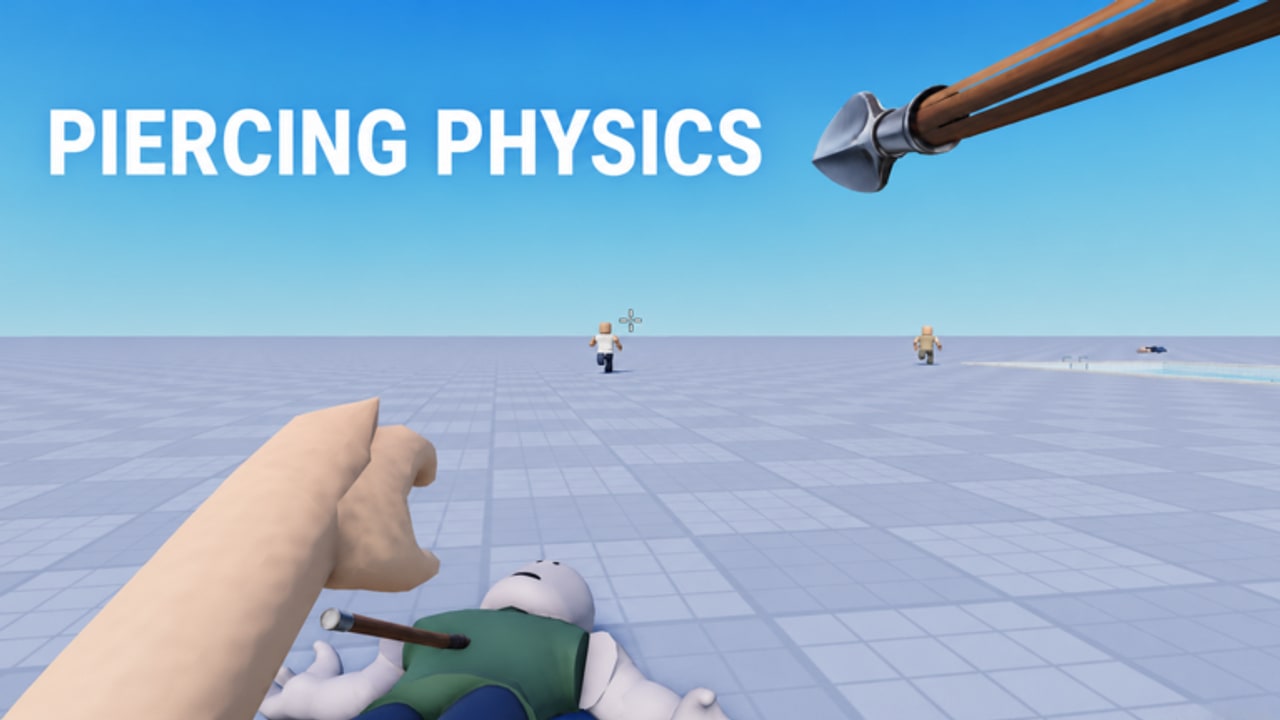
Yes—you can play Ragdoll Physics with friends. The catch: the main place is solo (maxPlayers: 1). That design keeps the test floor focused for physics experiments, clean rankings, and creator setups. Social chaos lives in a separate multiplayer version linked from the experience’s Roblox page and related places under the same universe (UniverseId 10770575733, group This iss Gud).
This guide explains how to meet friends, what changes in a shared session, loadout ideas, and how to avoid turning a funny sandbox into a spawn-camp headache. Solo mastery still starts with Getting Started and Free tools.
Solo vs multiplayer at a glance
| Main place | Multiplayer version | |
|---|---|---|
| maxPlayers | 1 | Multiple (per that place’s settings) |
| Best for | Careful tests, clips, Sandbox labs | Shared chaos, dares, group clips |
| Friend joins | Cannot share your server | Join the multiplayer place together |
| Tools | Free + owned passes | Same ownership rules per account |
| Scripts | Still risky | Risk plus possible desync; see Scripts |
How to play with friends (checklist)
- Open the official Ragdoll Physics page on Roblox.
- Look for the multiplayer / alternate place entry in the experience’s place list or description links (wording can change—follow the live Roblox UI).
- Have every friend favorite both places so they are easy to relaunch.
- One player hops into the multiplayer place first and sends a Roblox invite / server link.
- Confirm everyone spawned and can open the weapons panel (Controls).
- Agree on a silly rule set (examples below) before the first grenade.
If invites fail, use Roblox’s standard join-from-profile flow while the host remains in the multiplayer place—not the solo main place.
What to expect in shared sessions
- Louder meta — Scream!, Minigun, and Nuke dominate attention. Rankings on the Tier List shift socially toward spectacle.
- Ownership is personal — Your friend buying Sandbox does not grant you Sandbox. Each account needs its own pass (or its own risky unlock).
- Desync possibilities — Client unlock scripts may not replicate cleanly. Prefer legitimate passes in multiplayer.
- Reset etiquette — One player’s reset can ruin another’s staged pose. Call resets in chat.
- Performance — More bodies plus Nuke spam can tank weaker devices; take turns on big blasts.
- Controls stay familiar — Shop, weapons, slow motion, and Sandbox labels match the solo HUD overview in Controls.
Fun session formats
1) Free-tools-only night
Everyone unequips paid toys. Run the 15-minute circuit from Free tools. Winner is best screenshot, not most “kills” (there is no competitive ladder).
2) Sandbox film set
Sandbox owners act as directors: set gravity, spawn subjects, call action. Others handle spears and cameras. Read Sandbox mode first so directors know which sliders matter.
3) Pass roulette
Each player may use only one paid pass plus free tools. Forces creativity instead of everyone nuking instantly—see prices on Gamepasses.
4) Slow-mo clip race
Use slow motion to capture a single spear pin or grenade arc. Share recordings outside Roblox and compare which free tool read best on camera.
5) Nuke countdown nights
After the Nuke update, schedule a three-two-one detonation so every phone is recording. Do not surprise the lobby.
Suggested house rules
- No resetting during someone else’s countdown.
- Announce Nuke detonations.
- Keep one “museum” ragdoll unspoiled for poses.
- Ban insulting voice chat—physics is the joke, not the players.
- If a script user crashes the lobby, switch to clean accounts.
- Ask before rewriting Sandbox gravity for everyone.
Loadout ideas
- Budget party: free grenade + gold stick only.
- Director lobby: one Sandbox owner sets rules; others bring spears.
- Spectacle lobby: Minigun / Nuke on a countdown.
- Fair science lobby: ban paid weapons for ten minutes and rank free tools with tier list criteria.
Cross-platform notes
Roblox multiplayer works across PC, mobile, and console. Aim precision differs: mouse players usually win spear accuracy contests; mobile players may prefer grenades. Console players cannot run executors—do not pressure them to “just inject.” Pass purchases on any device follow the same Roblox catalog listed on the Passes hub.
Troubleshooting friend joins
| Issue | Fix |
|---|---|
| Friend joins but you never see them | They entered the solo main place—switch to multiplayer place |
| Invite button missing | Use profile → Join Server while host is already in multiplayer |
| Tools differ wildly | Different owned passes; compare shop lists |
| Constant crashes | Limit Nuke spam; lower graphics; avoid unstable scripts |
| Want codes for party gifts | None exist—Codes Hub |
| Pass missing after teleport | Rejoin once; reopen Weapons/Shop |
Solo practice still matters
Multiplayer is louder, not smarter. Spend time in the maxPlayers-1 lab to learn sticky angles and grenade spacing. Then bring that skill to friends. New players should finish Getting Started before hosting a lobby night.
Related pages
- Guides Hub
- Controls
- Sandbox mode
- Passes & Shop
- Updates
- About this wiki
- Unlock gamepasses (know the risks before party exploits)
Shared ragdoll chaos is half the fun of this physics sim—just remember the main door is solo, and the party door is the separate multiplayer place.
Frequently Asked Questions
Quick answers about Ragdoll Physics tools, passes, and scripts.
Why can’t friends join my Ragdoll Physics server?
The main place sets maxPlayers to 1. Switch everyone to the separate multiplayer version and invite from there.
Does Sandbox work with friends?
Bring owned passes into the multiplayer place and test. Each player needs their own Sandbox purchase—see Sandbox mode.
Are scripts safe to use in multiplayer?
They are already risky solo and worse in groups (desync, crashes, reports). Prefer official gamepasses.
Can PC and mobile play together?
Yes. Roblox cross-play works; expect different aim styles with spears versus grenades.
Is there a party code or private server code list?
No promo code system exists. Check the Codes Hub for status and use normal Roblox invites instead.
Do passes bought in solo work after I teleport?
They belong to your account for the universe. Rejoin once if a tool is missing, then reopen Weapons as noted in Controls.