Ragdoll Test Physics Controls & UI Panels
Know every button that makes clean physics tests possible.
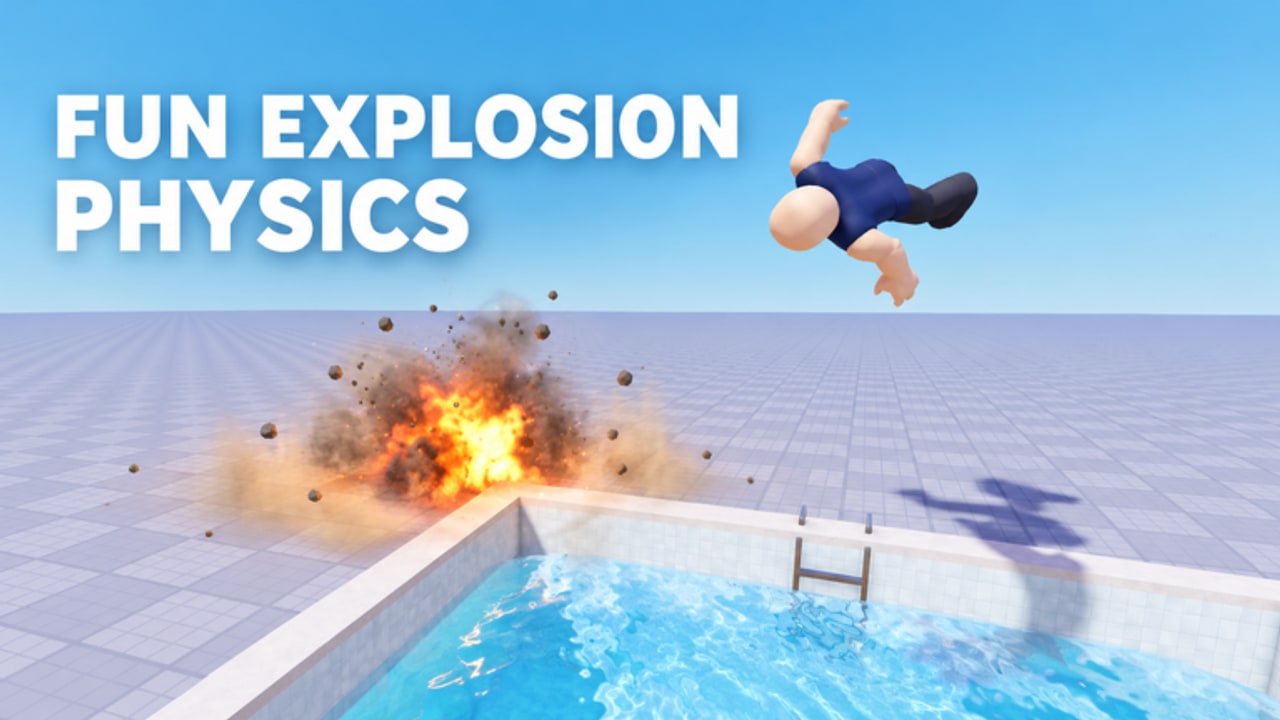
Ragdoll Test Physics is a first-person leaning sandbox. The fun is not only the tools — it is how quickly you can reset, slow down, and re-open shop menus between trials. This controls guide focuses on the panels players actually use on PC and touch devices.
Core loop on the test floor
- Spawn near ragdolls.
- Equip a free tool from the hotbar (free tools guide).
- Hit a body and observe.
- Open reset to restore the scene.
- Optional: enable slow motion to study the arc.
- Optional: open shop / weapons / sandbox panels for paid toys.
Keyboard & mouse habits (PC)
Exact keybinds can shift with patches, so treat these as player-reported habits rather than a sealed manual:
- Movement — standard Roblox WASD + jump.
- Tool hotbar — number keys to swap dart, spear, grenade, guns, brick, gold stick.
- Camera — mouse look; many sessions feel best in a locked first-person aim when lining up spears.
- Reset — look for an on-screen R / Reset control that restores ragdolls and props after a messy blast.
- Slow motion — toggle from the side panel when you need frame-by-frame chaos.
- Shop — opens pass purchases covered on All gamepasses.
- Weapons — lists free and owned paid tools such as Minigun or Nuke.
- Sandbox — appears fully once you own the Sandbox mode pass.
If a button label differs on your client, hover tooltips in the side UI usually clarify Reset vs Shop vs Sandbox.
Mobile & console notes
Roblox touch and gamepad clients still expose the same panels through on-screen buttons. On phones:
- Tap the three-dot / inventory overflow if a tool icon is hidden.
- Use larger tap targets for Reset after grenade tests so you do not accidentally fire again.
- Consider a quieter tool (dart/spear) before Nuke-level chaos on a small screen.
Clean experiment checklist
Use this sequence whenever you compare tools for the tier list:
- Reset the floor.
- Place or face the same ragdoll orientation.
- Equip tool A, hit once, note the result.
- Reset again.
- Equip tool B, repeat from the same distance.
- Only then open Sandbox spawn options if you need extra bodies.
Without resets, you will “rank” tools based on leftover momentum instead of real differences.
Shop & pass panels
Opening Shop should show the nine passes (Tazer through Switched). Confirm prices against the Passes Hub before buying. After a purchase, reopen Weapons so the new tool appears in the selectable list.
Multiplayer control differences
In the multiplayer place, expect more ragdolls and players sharing space. Call out big abilities (Nuke, Minigun) before firing so friends can camera-up. Reset may only affect your local view depending on server rules — verify after each update listed on the Updates Hub.
Troubleshooting
| Problem | Try this |
|---|---|
| Tool missing from hotbar | Rejoin; check inventory overflow on mobile |
| Pass bought but locked | Rejoin + reopen Weapons/Sandbox |
| Scene too messy to judge | Hit Reset, then slow motion |
| Want free practice only | Stay on Getting Started tools |
Related pages
- Getting Started
- Free tools
- Sandbox mode
- Scripts hub if you automate unlocks
Related pages\n\n- Getting Started\n- Free tools\n- Sandbox mode\n- Multiplayer\n- Scripts hub if you automate unlocks\n\nMastering controls matters more than owning every pass. A player who resets cleanly with free tools will out-learn someone who only fires Nuke once.
Pass purchase flow from the UI
- Open Shop from the side panel.
- Read the pass name and Robux price.
- Confirm the purchase in Roblox payment dialog.
- Close Shop, open Weapons or Sandbox, and verify the unlock.
- If nothing changed, rejoin once — ownership caches sometimes lag.
Keep the All gamepasses table open in a browser so you can compare listed prices with what the panel shows after a patch from the Updates Hub.
Practice drills that build muscle memory
- Reset drill: fire the grenade, hit Reset within two seconds, repeat ten times.
- Slow-mo drill: spear a limb under slow motion, note the stick angle, Reset, try the torso.
- Shop drill: open and close Shop without buying — learn the path before you spend.
- Hotbar drill: cycle dart → spear → grenade → guns → brick → gold stick without looking down.
These drills make the tier list comparisons honest because your hands stop fighting the UI.
Frequently Asked Questions
Quick answers about Ragdoll Physics tools, passes, and scripts.
What does Reset do?
It restores ragdolls and props so your next tool test starts clean. Use it between every comparison.
Where is the shop?
In the side UI panels. It lists the nine passes described on All gamepasses.
Do controls differ on mobile?
Same panels, different tap targets. Use inventory overflow if a free tool icon is hidden.
Is there an official keybind list?
The developers lean on on-screen UI. This page tracks player-facing panels rather than a sealed key bible.